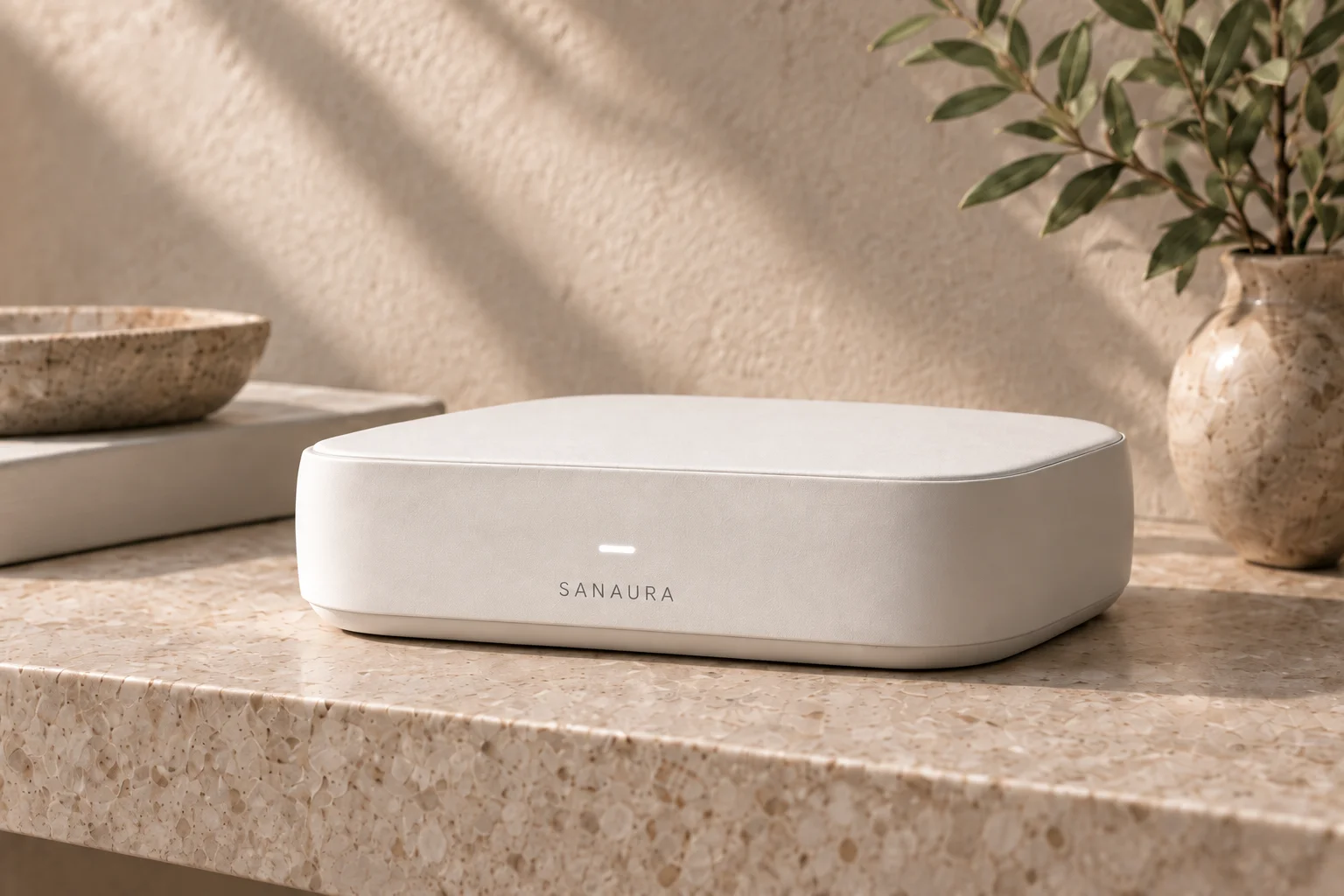
 Explore Gateway ↗
01 / In development
Gateway
A dedicated place for home control, taught routines and room context. Separate from your internet router.
Sanaura Contour Voice Switch
A circular rotary ring. A quiet black face with white-dot symbols. Physical room control and a proposed voice interface, brought together in Concept 02.
In developmentTry the interface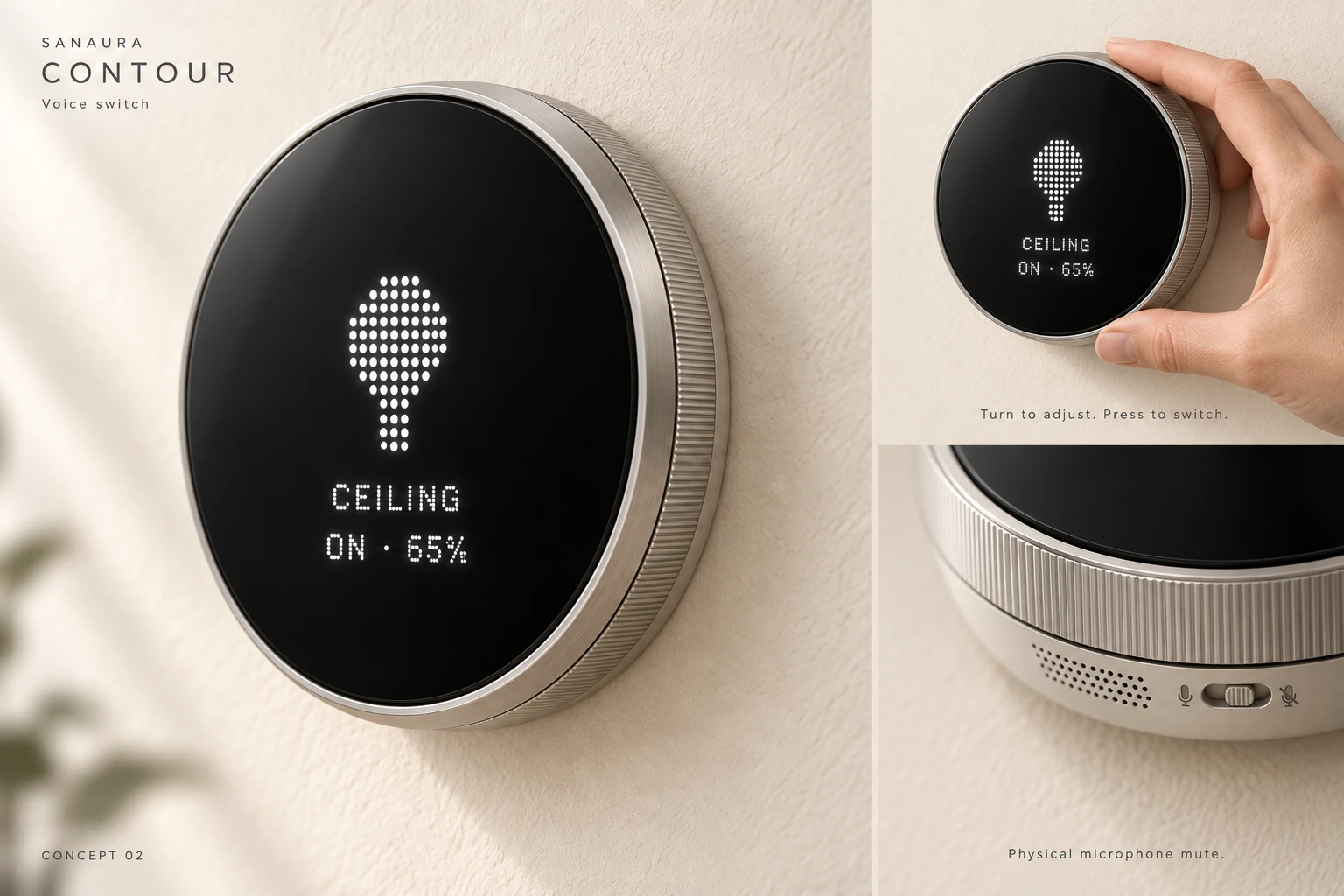
INTERFACE STUDY 03
Turn through devices, scenes and settings.
Try the interface. See each choice take shape.
Interactive concept
Round Concept 02
Mic illustration · no capture
Press face: switch off. Drag rim or use arrow keys.
Turn, press, hold. Drag the metal rim or use − / + to choose and adjust. Press the black face to enter, apply or switch a device. Hold it for the menu or to go back.
Keyboard. Tab to the ring or face. Arrow keys turn; Home and End move to the limits; Enter or Space presses. Escape goes back.
Inside the menu. Devices controls the light and fan. Scenes offers Evening, Focus and All Off. Voice shows a sample command you can apply. Settings includes Display, Sound, Wi-Fi status and About.
Saved settings. Press to save display brightness or feedback volume; use Cancel to discard a draft. The summary shows saved values. This preview is silent.
Physical mute. The small switch below the face blocks the voice sample. The ring, display and manual controls remain available.
Concept values. Brightness, speed and volume illustrate the interface; they are not validated hardware specifications.
Concept hardware · Silent simulation · No microphone access or connected hardware.
An intended everyday role / Illustrated concept
A familiar physical gesture comes first. Devices, scenes and settings are another layer, available when you want them.
The ring changes the selected setting. White-dot symbols and a plain-language readout identify what is selected.
Press the face to toggle a selected light or confirm a scene in the prototype. Hold opens the menu or goes back, depending on context.
The separate physical microphone-mute concept belongs to the stationary base. The website’s mute simulation leaves manual controls usable.
The interface is a study, not a finalized gesture specification. Voice is simulated, and no microphone is accessed. Mute electronics, ergonomics, display technology and an independent lighting fallback still require validation.
01
02
03
Proposed interaction
Turn the ring to adjust the selected control. Press the face to switch or confirm; hold to explore devices, scenes and settings. White-dot symbols show the selection and state. The website illustrates these interactions with simulated lighting. Room Off refers to assigned room lighting, not every appliance.
The rotary ring, press control and proposed voice interface would connect to the local Gateway. Speaker and microphone detailing remain on the stationary base, with a separate physical microphone-mute slider. The first assistant demonstrator is English-first.
Try the illustrated home experience ↗Development, honestly
Concept 02 establishes an exterior and interaction direction. Ring feel, press behaviour, display, microphone mute, acoustics, mounting and electrical architecture require engineering validation. Primary lighting needs a validated control path independent of Gateway software; that fallback is not yet proven.
Engineering-ready CAD and electrical, mechanical and installation validation are separate workstreams. No price, release date or production specification is announced.
Enquire about a pilotPilot enquiries are open, with suitability assessed individually. Initial installations use validated partner equipment. Sanaura’s own hardware remains in development; concept imagery is not evidence of a completed customer installation.
The rest of the family
Explore Gateway ↗01 / In development
A dedicated place for home control, taught routines and room context. Separate from your internet router.
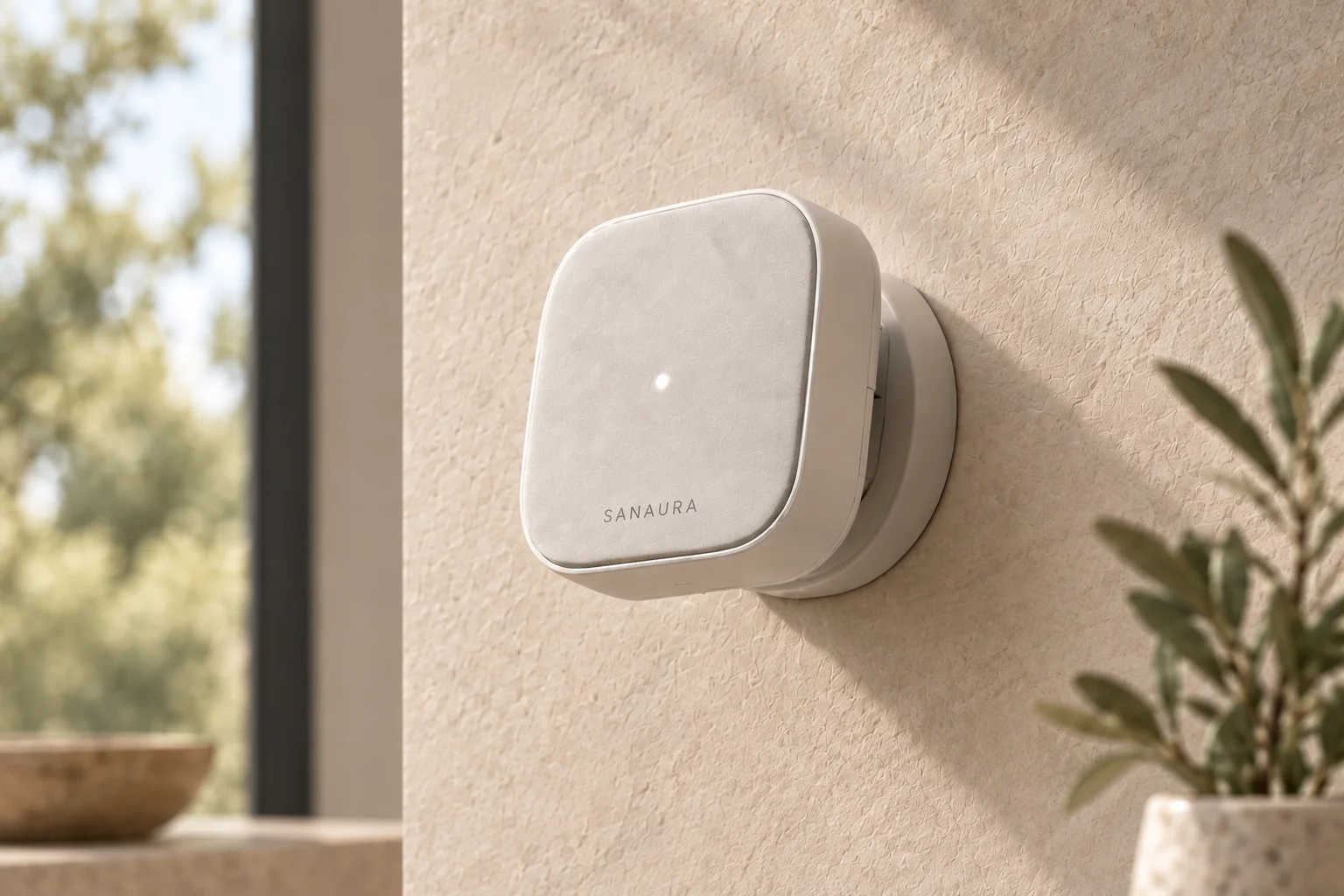 Explore Radar S1 ↗
02 / In development
Camera-free radar sensing, being developed to interpret presence, movement and meaningful spatial zones.
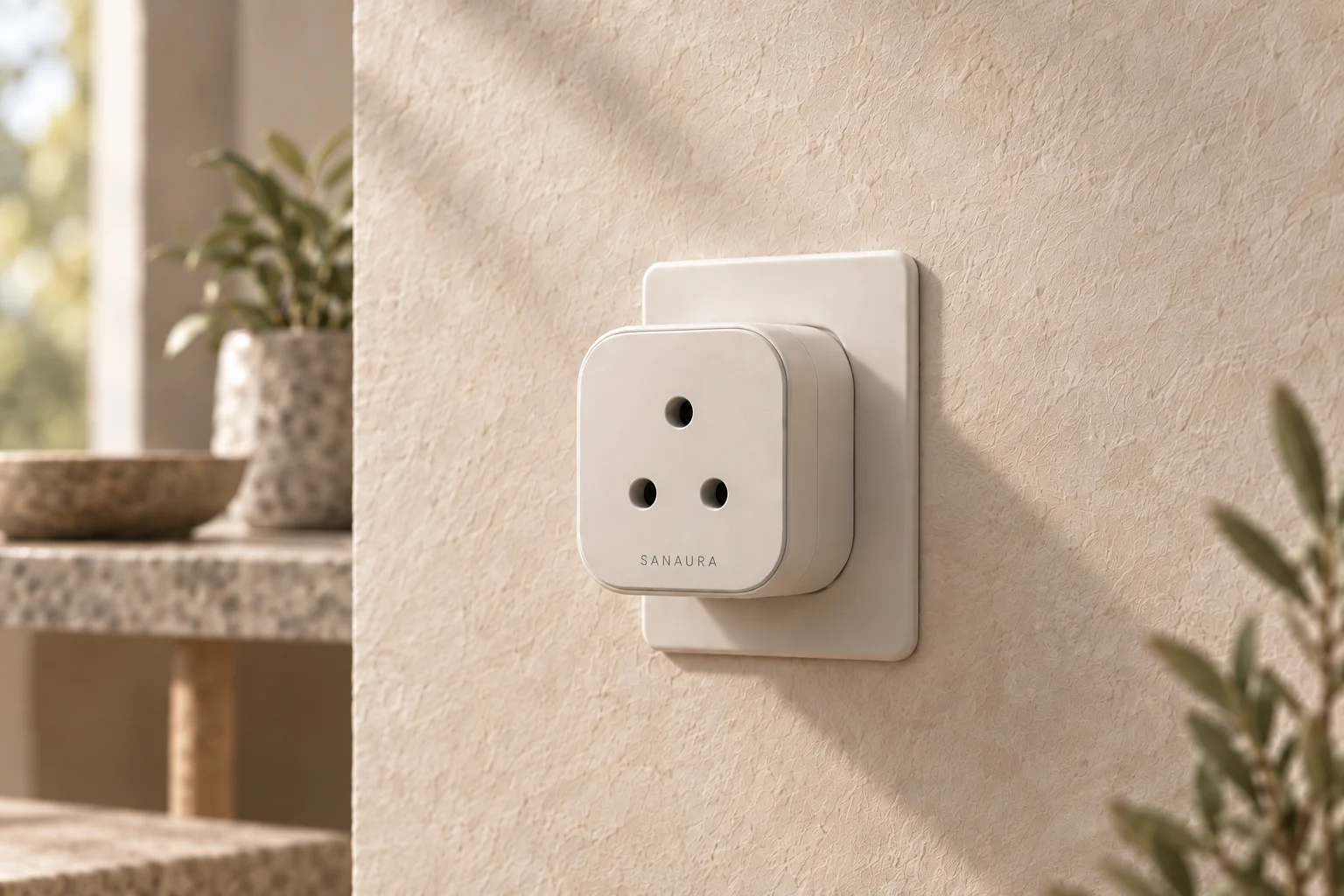 Explore Smart Plug ↗
03 / In development
A proposed way to bring suitable plug-in devices into a carefully configured home routine.